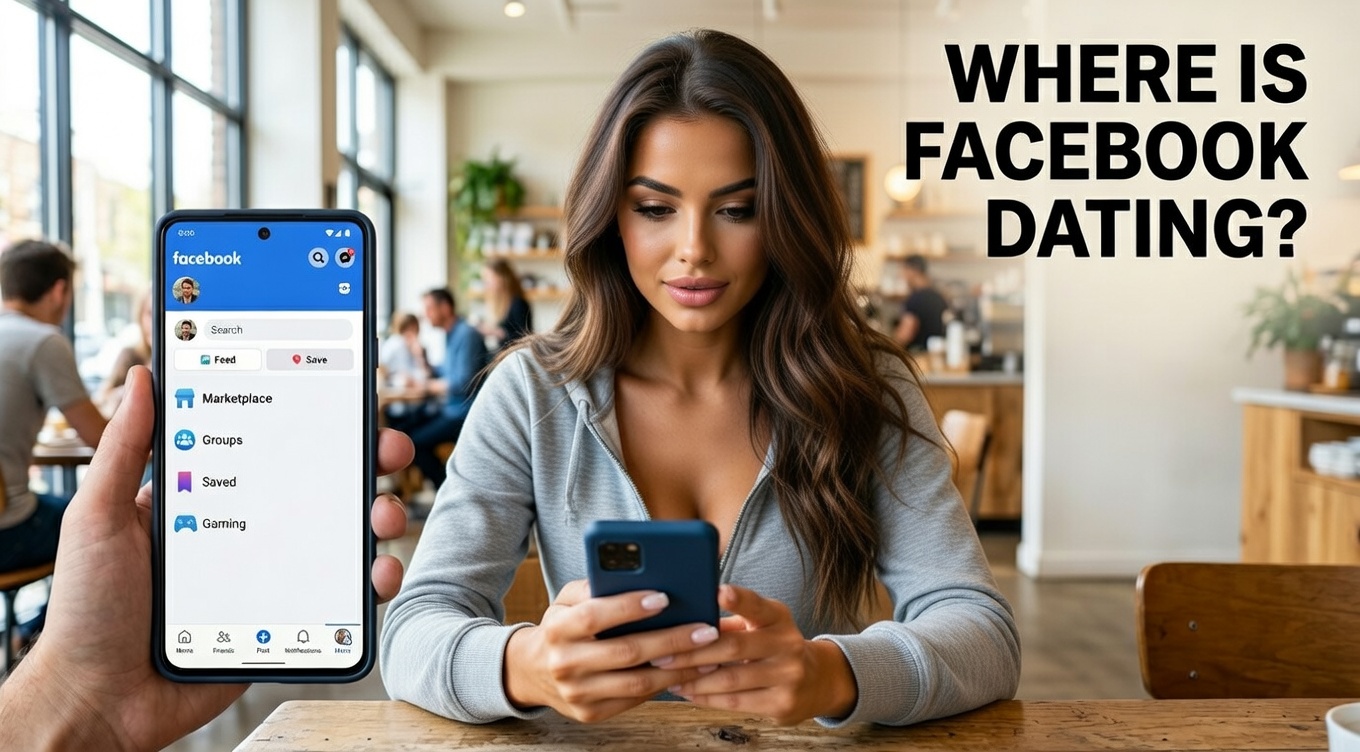
You open your app expecting to explore new connections—but the Dating feature is nowhere to be found. It’s a common issue, and it can be frustrating, especially when you’re ready to start meeting people.
If you’re using Facebook and can’t find the Dating option, there’s usually a simple explanation—and a practical fix.
This step-by-step guide explains why Facebook Dating may not appear on your account and shows you how to fix it using reliable, safe methods.
What Is Facebook Dating and How Does It Work?
Facebook Dating is a built-in feature within the Facebook mobile app that allows users to connect with others based on shared interests, preferences, and activity.
It works as a separate profile, meaning:
- Your dating activity is private
- Your friends won’t see your dating profile
- Matches are based on compatibility, not just location
This makes it one of the best free online dating platform features available within an existing social app.
Why Facebook Dating May Not Be Showing
Before trying fixes, it’s important to understand the possible reasons behind the issue.
Common Causes
- Feature not available in your country
- You’re under the age requirement
- App is outdated
- Account is new or restricted
- Location services are disabled
- App cache or data issues
Identifying the cause helps you apply the right solution quickly.
10 Proven Fixes to Unlock Facebook Dating
Below are practical, step-by-step solutions that address the most common reasons the feature doesn’t appear.
1. Check If Facebook Dating Is Available in Your Region
Facebook Dating is not accessible in every country.
If your region isn’t supported, the feature won’t show up at all.
What to do:
- Visit Facebook’s official help section
- Confirm availability in your location
If unavailable, you may need to wait until it launches in your region.
2. Make Sure You Meet the Age Requirement
You must be at least 18 years old to access Facebook Dating.
Fix:
- Check your date of birth in your account settings
- Update it if it’s incorrect
Incorrect age details can prevent access.
3. Update the Facebook App
Using an outdated version of Facebook can hide newer features.
Steps:
- Open your app store
- Search for Facebook
- Tap “Update”
Updates often fix bugs and unlock missing features.
4. Enable Location Services
Facebook Dating relies on your location to suggest matches.
How to fix it:
- Go to your device settings
- Turn on location access for Facebook
- Restart the app
Without location permissions, the feature may not appear.
5. Check Your Internet Connection
A weak or unstable connection can prevent features from loading properly.
Try this:
- Switch between Wi-Fi and mobile data
- Restart your router
- Reopen the app
6. Log Out and Log Back In
Sometimes, refreshing your session can resolve temporary glitches.
Steps:
- Log out of your account
- Close the app
- Log back in
This simple fix often restores missing features.
7. Clear App Cache (Android Users)
Cache files can sometimes interfere with app performance.
How to clear cache:
- Go to Settings → Apps → Facebook
- Tap “Storage”
- Select “Clear Cache”
This does not delete your account or personal data.
8. Reinstall the Facebook App
If issues persist, reinstalling can fix deeper bugs.
Steps:
- Uninstall the app
- Restart your device
- Reinstall from the app store
This ensures a fresh version of the app is installed.
9. Check for Account Restrictions
Accounts that violate platform policies may have limited access to certain features.
What to do:
- Review your account status
- Follow community guidelines
- Avoid suspicious activity
10. Wait If Your Account Is New
New accounts may not get immediate access to all features.
Recommendation:
- Use your account regularly
- Complete your profile
- Engage normally on the platform
Access is often granted after some activity.
How to Access Facebook Dating Once It Appears
After resolving the issue, here’s how to find the feature.
Steps to Open Facebook Dating
- Open the Facebook app
- Tap the menu (three lines)
- Scroll to “Dating”
- Tap to begin setup
You’ll then create a separate dating profile.
Tips to Ensure Facebook Dating Works Smoothly
Once you gain access, these best practices help prevent future issues.
Keep Your App Updated
Regular updates ensure you have access to the latest features and fixes.
Maintain Accurate Profile Information
Make sure your:
- Age is correct
- Location is enabled
- Account is active
Use Supported Devices
Older devices may not support newer app features effectively.
Common Mistakes That Prevent Access
Avoid these mistakes to ensure uninterrupted access.
- Using unofficial or modified apps
- Disabling key permissions
- Ignoring app updates
- Creating multiple accounts rapidly
Sticking to standard usage improves reliability.
Facebook Dating vs Other Online Dating Platforms
Understanding how Facebook Dating compares to other platforms can help you decide how to use it.
Advantages
- Free to use
- No additional downloads required
- Integrated with your existing account
- Simple interface
Limitations
- Limited availability in some regions
- Fewer advanced filters than premium platforms
When to Contact Facebook Support
If none of the fixes work, reaching out to support may help.
Contact Support If:
- Feature is available in your region but still missing
- Your account meets all requirements
- You’ve tried all troubleshooting steps
Support can identify account-specific issues.
Conclusion
Not seeing Facebook Dating can feel frustrating, but in most cases, the solution is straightforward.
Focus on:
- Updating your app
- Checking your settings
- Ensuring eligibility
Once everything is in place, the feature usually appears without complications.
If you’re exploring online dating tools and platforms, starting with Facebook Dating can be a simple and accessible option—especially if you already use the app regularly.
FAQ SECTION
Q: Why can’t I see Facebook Dating on my account?
A: This usually happens due to location restrictions, age requirements, or outdated app versions. Make sure your app is updated, your age is correct, and the feature is available in your region.
Q: How do I enable Facebook Dating?
A: Open the Facebook app, go to the menu, and look for the Dating option. If available, follow the setup process to create your profile and start using the feature.
Q: Is Facebook Dating available everywhere?
A: No, Facebook Dating is only available in selected countries. If it’s not launched in your region, you won’t see the feature in your app.
Q: Can I use Facebook Dating without updating the app?
A: It’s not recommended. Older versions of the app may not support newer features, including Facebook Dating.
Q: Does clearing cache remove my data?
A: No, clearing cache only removes temporary files. Your account, messages, and personal information remain safe.
Q: Why is Facebook Dating not showing even after updating?
A: Other factors like location settings, account restrictions, or eligibility issues may be responsible. Check all requirements and try reinstalling the app.