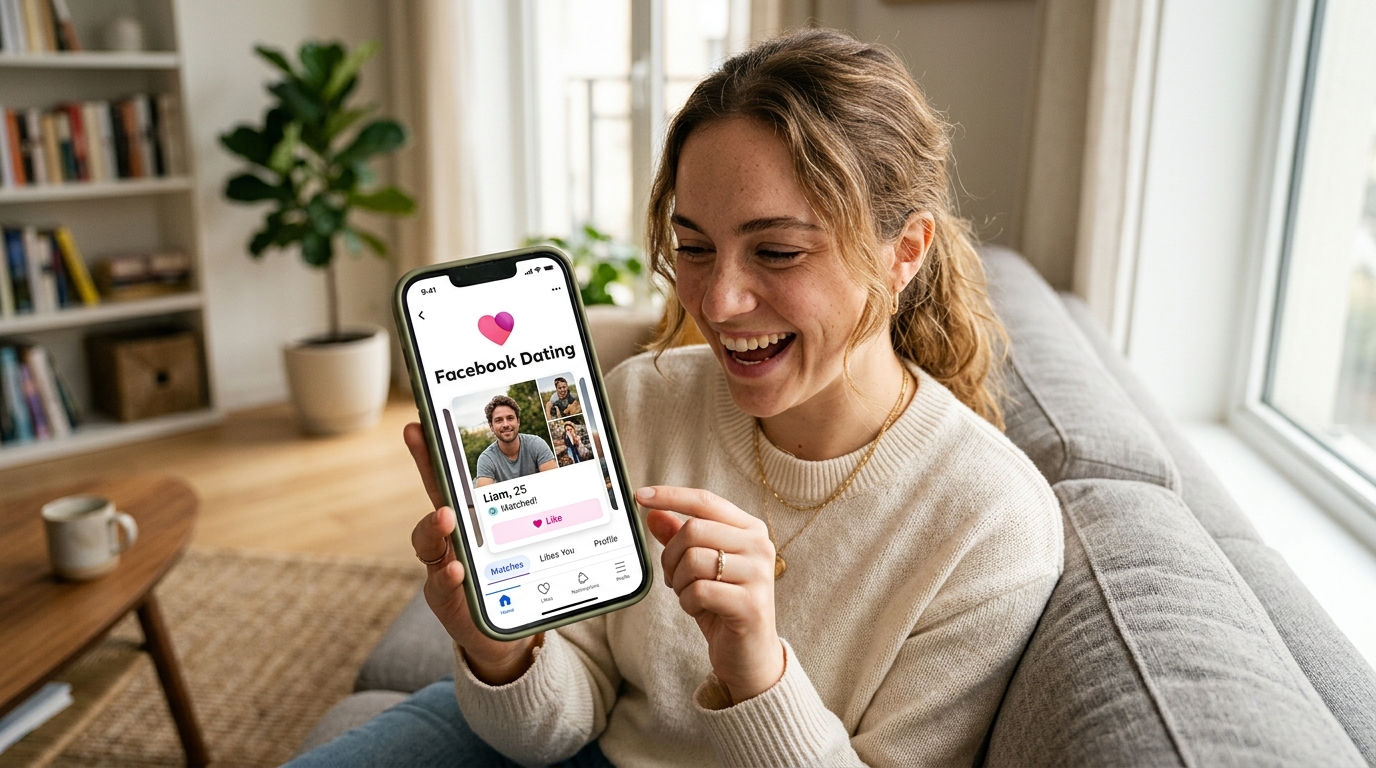
Finding the right place to meet new people online can feel like searching for a door in a long hallway—you know it’s there, but it’s not always obvious how to open it.
If you already use Facebook, that door is closer than you think. Facebook Dating is built right into the app, offering a simple way to connect with others without downloading extra tools or signing up for new services.
This guide walks you through how to get on Facebook Dating, set up your account correctly, and use its features effectively.
What Is Facebook Dating and Why It’s Worth Trying
Facebook Dating is a dedicated feature within the Facebook app designed to help users find meaningful connections based on shared interests, preferences, and activities.
Unlike many other platforms, it doesn’t require a separate download. Instead, it works as an extension of your existing account.
Key Benefits of Facebook Dating
- Free access to core features
- Separate profile for privacy
- Smart match suggestions
- Integration with groups and events
- Easy-to-use interface
For beginners, it’s one of the best online dating platforms to start with due to its simplicity.
Requirements to Access Facebook Dating
Before you can use the feature, you need to meet a few basic conditions.
Eligibility Checklist
- You must be at least 18 years old
- You need an active Facebook account
- The feature must be available in your country
- Your app must be updated
If any of these conditions aren’t met, Facebook Dating may not appear on your account.
Step-by-Step Guide: How to Get on Facebook Dating
Getting started is straightforward when you follow the right steps.
Step 1: Update Your Facebook App
Using the latest version ensures you have access to all available features.
How to update:
- Open your app store
- Search for Facebook
- Tap “Update” if available
Updates often fix bugs and unlock hidden features.
Step 2: Open the Facebook Menu
Once your app is updated:
- Launch the Facebook app
- Tap the menu icon (three horizontal lines)
- Scroll through the options
Look for “Dating” in the list.
Step 3: Enable Location Services
Facebook Dating relies on your location to recommend matches.
To enable location:
- Go to your phone settings
- Allow location access for Facebook
- Restart the app
Without this, the feature may not function properly.
Step 4: Tap “Dating” and Start Setup
When you find the Dating option:
- Tap it
- Follow the on-screen instructions
- Begin creating your dating profile
This profile is separate from your main account.
How to Set Up Your Facebook Dating Profile
Your profile acts like your introduction. A well-prepared one increases your chances of meaningful matches.
Choose Quality Photos
Photos play a major role in first impressions.
Best practices:
- Use clear, recent images
- Include a mix of close-ups and lifestyle shots
- Avoid overly edited photos
Write a Clear and Honest Bio
Your bio should reflect your personality and intentions.
Include:
- Your interests
- Your hobbies
- What you’re looking for
Keep it natural and easy to read.
Select Your Preferences
Facebook Dating allows you to customize your match criteria.
You can filter by:
- Age range
- Distance
- Interests
These settings help you find more compatible matches.
Best Features of Facebook Dating You Should Use
Once your profile is ready, explore the platform’s features to improve your experience.
Match Suggestions
Facebook uses your preferences and activity to recommend potential matches.
The more you interact, the better the suggestions become.
Secret Crush Feature
This feature allows you to select people you already know from Facebook or Instagram.
If they choose you too, a match is created.
Events and Groups Integration
You can connect with people who attend the same events or belong to similar groups.
This adds context to your matches and improves compatibility.
Conversation Starters
Instead of sending generic messages, you can comment on specific parts of someone’s profile.
This makes interactions more engaging.
Tips to Get Better Matches on Facebook Dating
Getting on the platform is just the beginning. How you use it matters.
Stay Active
Regular activity increases your visibility.
- Log in frequently
- Check matches
- Respond to messages
Be Thoughtful in Communication
- Personalize your messages
- Ask open-ended questions
- Keep your tone respectful
Keep Your Profile Updated
Updating your profile signals activity and improves your chances of being shown to others.
Common Issues and How to Fix Them
Sometimes users encounter problems while trying to access Facebook Dating.
Feature Not Showing
Possible fixes:
- Update the app
- Enable location services
- Log out and log back in
Unable to Create Profile
- Check your age settings
- Ensure your account has no restrictions
- Verify your internet connection
Matches Not Appearing
- Adjust your preferences
- Stay active
- Improve your profile details
Safety Tips for Using Facebook Dating
Safety is essential when using any online platform.
Protect Your Information
- Avoid sharing sensitive details
- Use in-app messaging initially
- Be cautious with new connections
Meeting in Person
If you decide to meet someone:
- Choose a public location
- Inform a trusted person
- Keep the meeting simple
Facebook Dating vs Other Dating Platforms
Understanding how Facebook Dating compares to other services helps you use it more effectively.
Advantages
- Free to use
- No extra downloads
- Easy setup
- Familiar interface
Limitations
- Not available in all regions
- Fewer premium features compared to paid platforms
Is Facebook Dating Right for You?
Facebook Dating works best for users who:
- Already use Facebook regularly
- Prefer a simple and free platform
- Want to explore connections without complexity
It may not replace advanced dating services, but it offers a practical starting point.
Conclusion
Getting on Facebook Dating is less about technical steps and more about preparation.
Make sure:
- Your app is updated
- Your profile is complete
- Your settings are correct
Once everything is in place, the platform becomes a useful tool for meeting new people and building meaningful connections at your own pace.
FAQ SECTION
Q: How do I get on Facebook Dating?
A: Update your Facebook app, open the menu, and look for the Dating option. If available in your region, follow the setup process to create your profile and start using the feature.
Q: Why can’t I find Facebook Dating on my account?
A: This may be due to location restrictions, age requirements, or outdated app versions. Ensure your account meets all eligibility criteria and your app is updated.
Q: Is Facebook Dating free to use?
A: Yes, Facebook Dating is free and does not require a subscription for its core features.
Q: Do I need a separate app for Facebook Dating?
A: No, it is built into the Facebook app, so you don’t need to download any additional software.
Q: Can my Facebook friends see my dating profile?
A: No, your dating profile is separate and not visible to your Facebook friends unless you use optional features like Secret Crush.
Q: How do I improve my matches on Facebook Dating?
A: Use clear photos, write an engaging bio, stay active, and interact thoughtfully with other users to increase your chances of better matches.